Smart Mockup, Sofa and Wall Mockup: A Practical Guide for Artists and Designers
If you're an artist, designer, or small business owner looking to showcase your work in a realistic setting, the Smart Mockup, Sofa and Wall Mockup can be an invaluable tool. This digital resource allows you to place your artwork, prints, or photos in a lifelike room interior, giving clients a clear vision of how your design will look in their space. Whether you're selling online, blogging, or building your portfolio, this mockup offers a professional way to present your creative work.
Understanding the Smart Mockup, Sofa and Wall Mockup
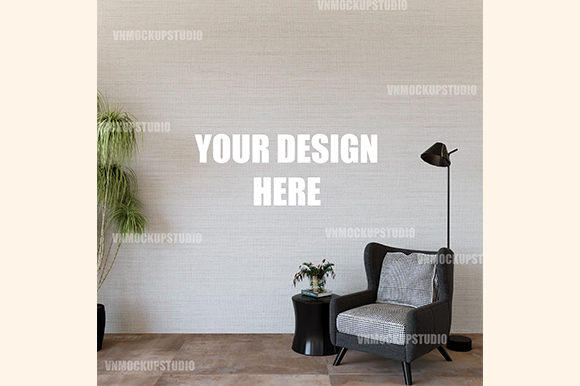
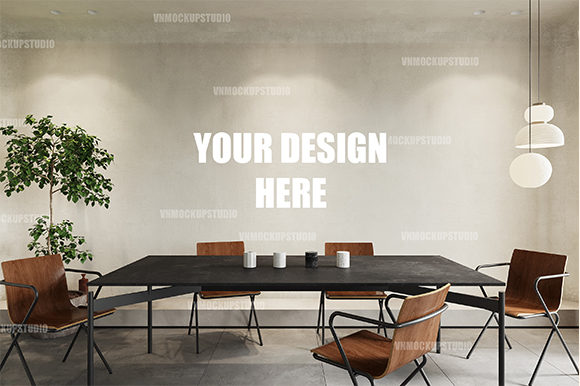
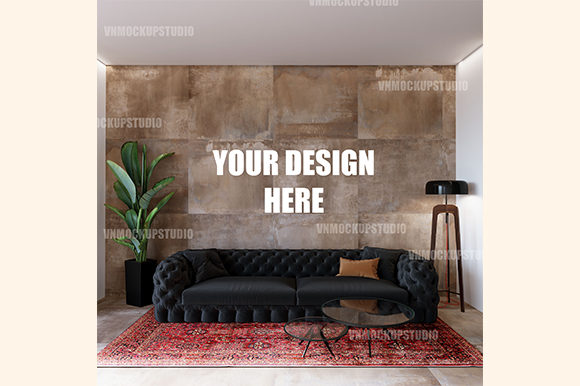
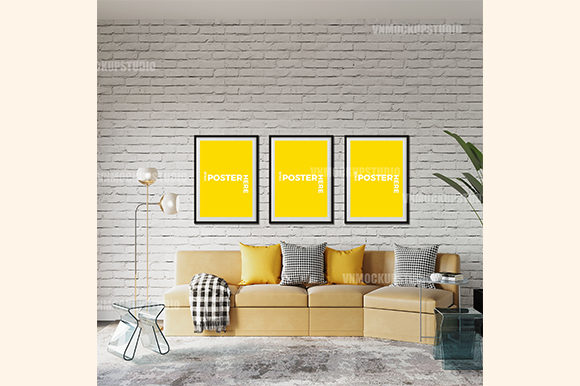
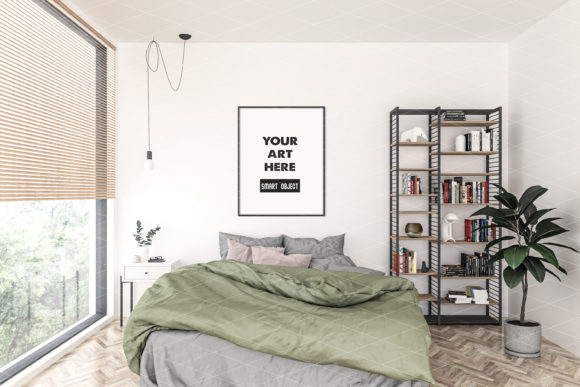
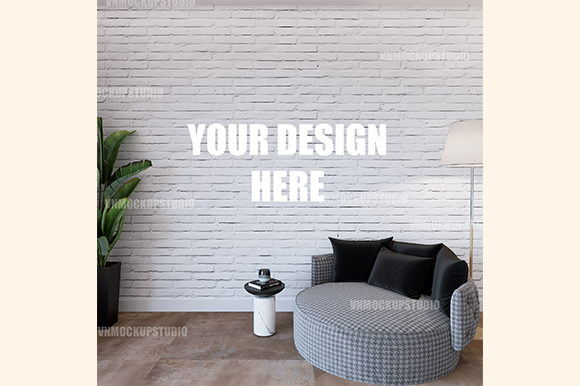
The Smart Mockup, Sofa and Wall Mockup is a high-resolution digital file designed for easy integration into your workflow. It comes as a TIF file with a resolution of 2700×2700 pixels at 300 dpi, ensuring crisp and detailed results. The mockup includes a sofa and wall setup, complete with realistic shadows and angles that enhance the visual appeal of your artwork. Unlike many other mockups, there are no placeholder texts like “Your Design Here” or watermarks—just a clean, ready-to-use image.
This type of mockup is particularly useful for those who want to demonstrate their work in a real-world context. Instead of showing a flat image on a white background, you can show how your art would fit into a living room, bedroom, or any other space. This makes it easier for clients to visualize the final outcome and can significantly improve conversion rates when selling online.
Common Mistakes When Using Smart Mockup, Sofa and Wall Mockup
While the Smart Mockup, Sofa and Wall Mockup is powerful, some users make mistakes that can affect the quality and effectiveness of their presentations. One common error is not checking the file format or resolution before use. Although the mockup comes in a high-resolution TIF, it’s important to confirm that your software supports this format and that you’re using the correct settings for your project.
Another mistake is ignoring the importance of lighting and perspective. The mockup includes realistic shadows and angles, but if your artwork isn’t aligned properly, it may look out of place. Always take time to adjust your design within the smart object layer to ensure it fits naturally into the scene.
Some users also overlook the need to test the mockup in different contexts. For example, if you’re using it on a website, make sure the image scales well and maintains clarity across devices. If you’re printing it, check that the resolution is sufficient for the intended size.
How Mistakes Can Affect Your Work
Failing to address these issues can lead to poor results. A misaligned image might make your work appear unprofessional, while a low-resolution file could result in blurry or pixelated output. These problems can damage your reputation and reduce client trust.
Additionally, not understanding the mockup’s capabilities can lead to inefficient use of time and resources. Some users try to force their designs into the mockup without considering the layout, which can result in a cluttered or unrealistic presentation. This not only affects the visual outcome but also reduces the impact of your work.
Practical Advice for Better Results
To avoid these pitfalls, start by thoroughly reviewing the product details before purchasing. Make sure you understand what’s included, such as the file format, resolution, and compatibility with your design software. If you’re unsure, reach out to the seller for clarification.
Once you have the mockup, take the time to experiment with different placements and lighting conditions. Use the smart object feature to easily update your design without having to recreate the entire scene. This flexibility can save you time and help you achieve more professional results.
Also, consider testing the mockup in various scenarios. For instance, if you’re using it for an online store, upload a few variations to see how they perform on different platforms. This can help you identify any issues early and make necessary adjustments.
What to Check Before Using Smart Mockup, Sofa and Wall Mockup
Before you start using the Smart Mockup, Sofa and Wall Mockup, verify that your design software supports TIF files and smart objects. Popular programs like Adobe Photoshop and Illustrator typically handle these formats, but it’s always good to double-check.
Ensure that your artwork is properly sized and formatted to match the dimensions of the mockup. If your design is too large or too small, it may not fit well within the scene. You can resize your artwork using your design software before placing it into the mockup.
Finally, review the final output before sharing it with clients or publishing it online. Look for any inconsistencies, such as mismatched colors, incorrect alignment, or visible seams. A polished presentation reflects well on your professionalism and attention to detail.
Conclusion: Make the Most of Your Smart Mockup, Sofa and Wall Mockup
The Smart Mockup, Sofa and Wall Mockup is a powerful tool for artists, designers, and entrepreneurs who want to showcase their work in a realistic setting. By understanding its features, avoiding common mistakes, and following best practices, you can create compelling visuals that resonate with your audience.
Take the time to learn how to use the mockup effectively, and don’t hesitate to ask questions if you’re unsure about anything. With the right approach, this resource can elevate your work and help you connect more deeply with your clients and customers.